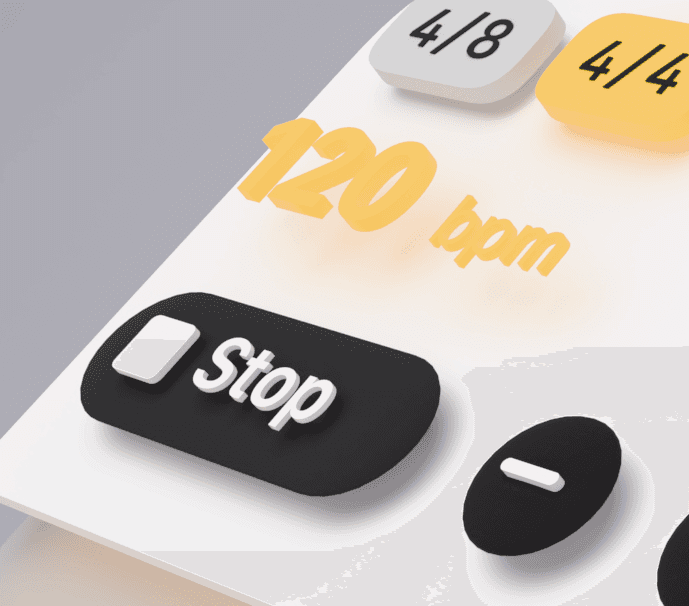
The Design Behind Music Tools
Deep Dive
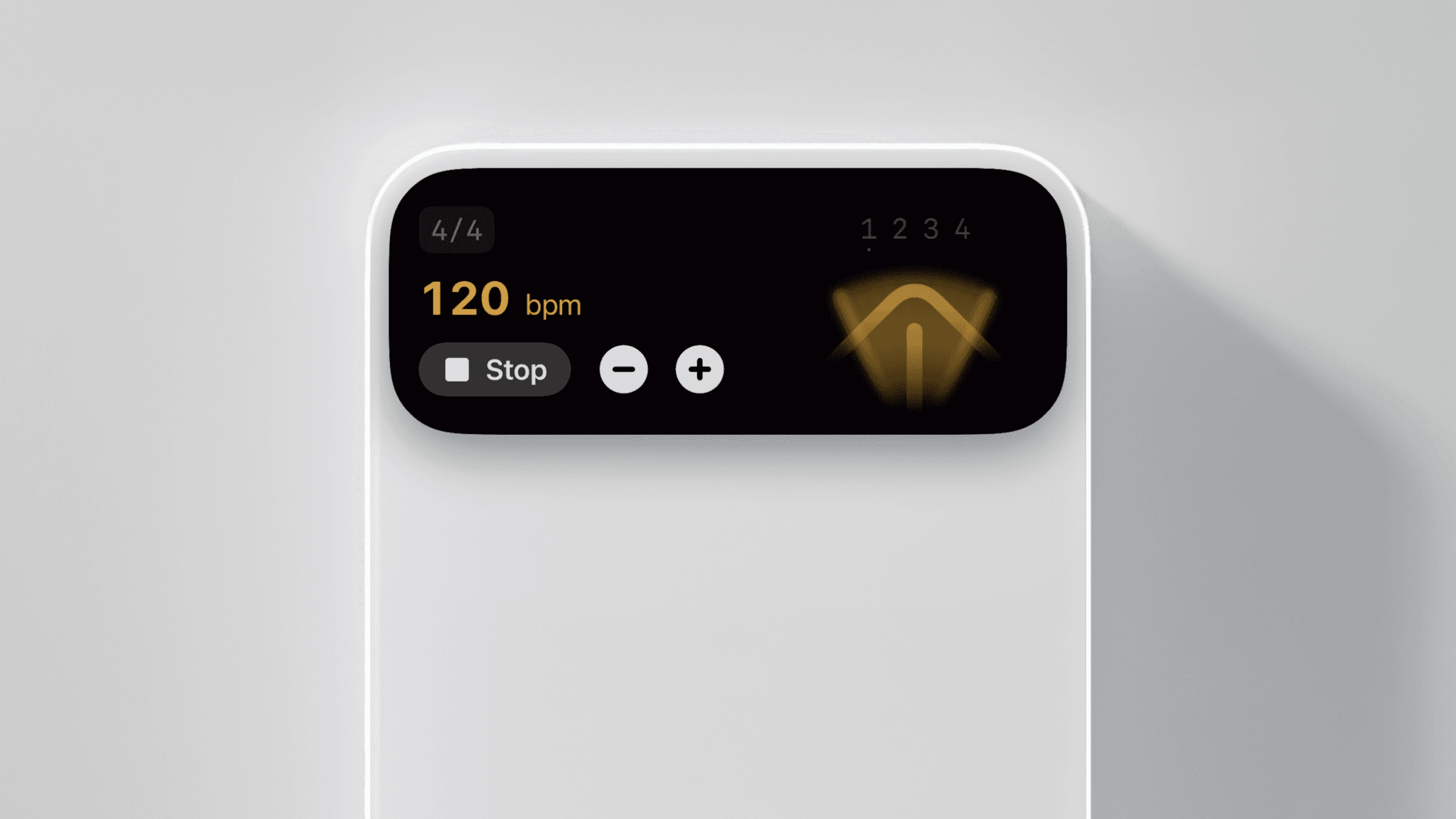
In an era of app fatigue, where utilities are often buried under layers of branding and intrusive advertisements, Music Tools is advocating for a return to the invisible. This project, which started in rehearsal rooms in Oxford, is designed around the idea that a metronome or tuner should be as easy to start as the iPhone’s torch.
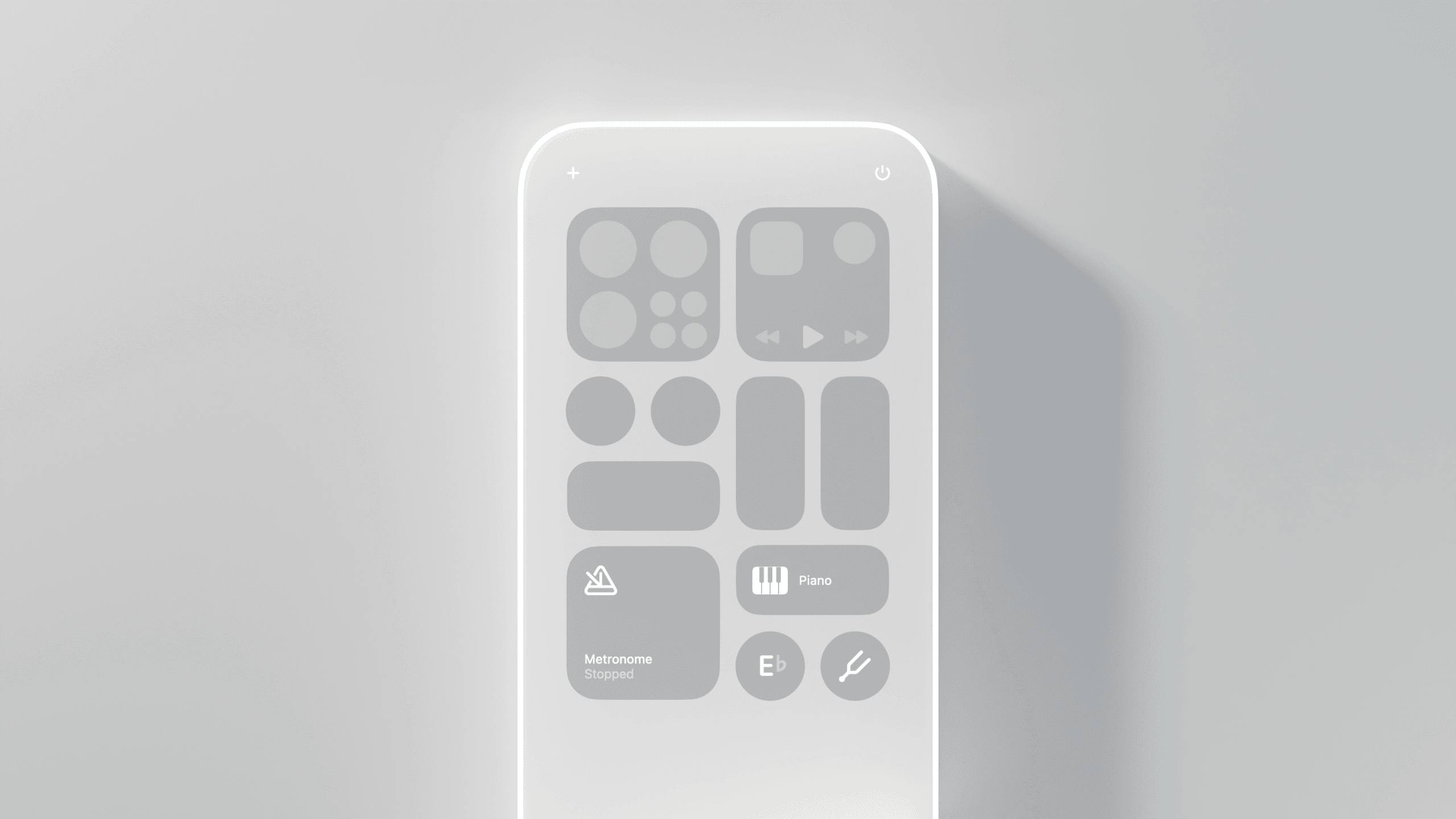
By decoupling essential musician utilities — metronomes, a piano, pitch players — from the traditional app container, Music Tools creates a workflow that feels as immediate as the physical instruments it supports.
Visual Culture and Identity
Colour and Typography
The visual identity of Music Tools is anchored by a high-visibility yellow that serves as a nod to the legacy of live performance. It’s a colour deeply embedded in the dictionary of music, referencing the yellow spines of Deutsche Grammophon records, the iconic Playbill, or the neon glow of a basement jazz club.
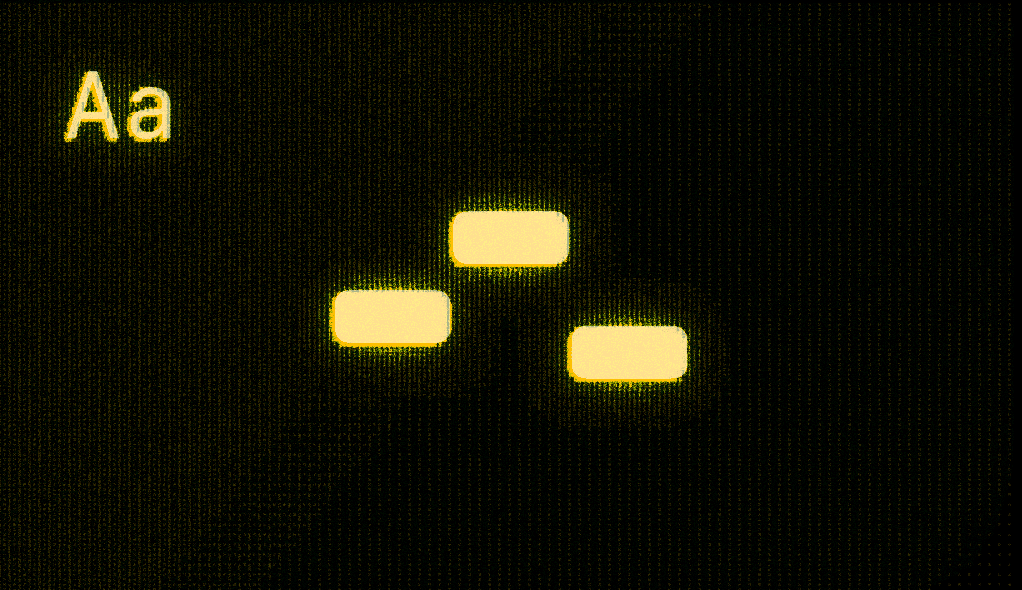
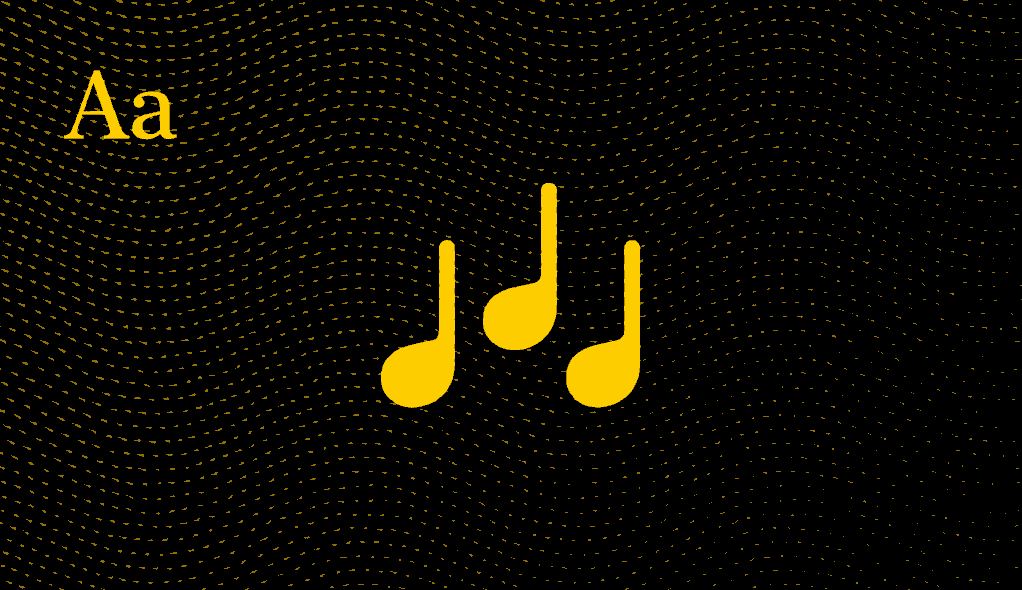
To honour the breadth of musical practice, the interface offers two distinct aesthetic modes. The ‘Modern’ theme adopts the vernacular of the recording studio; utilising the monospaced variant of the iOS San Francisco typeface and MIDI-bar iconography, the app takes on the glowing, tactile quality of knobs and dials on a mixing console. The ‘Classical’ theme leans into the elegance of editorial print. By pairing the serif iOS New York typeface with traditional notation symbols, the interface shifts to mirror the centuries-old texture of a physical score, treating the iPhone screen with the same reverence as a printed page.
Degrees of Abstraction
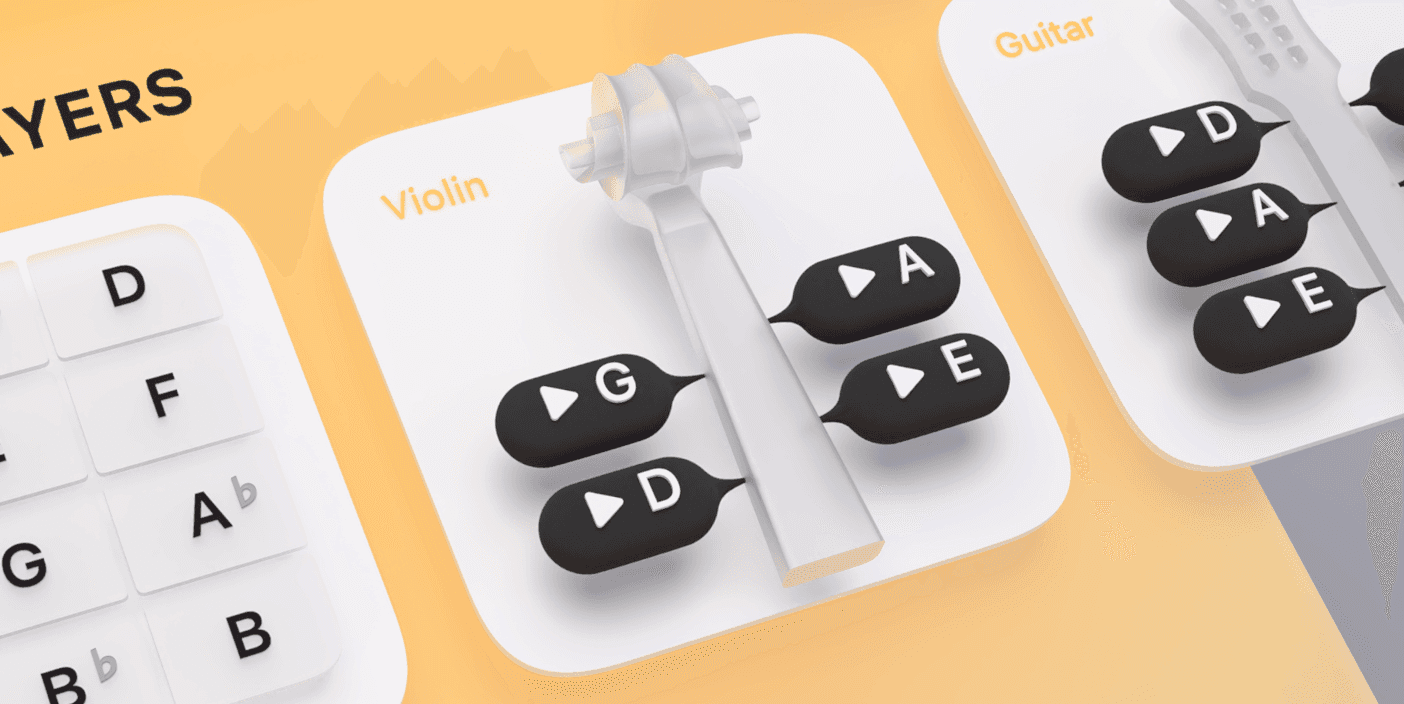
Music Tool’s visual language operates on a spectrum of abstraction, governed by the principle that the fidelity of an image should mirror the specificity of the experience it represents. There is a psychological ‘blankness’ to abstraction; an iconographic shorthand for a guitar or violin allows it to become a universal vessel — ‘everyone’s instrument’. However, when a sound has a distinct personality, the visual shifts from the general toward the particular.
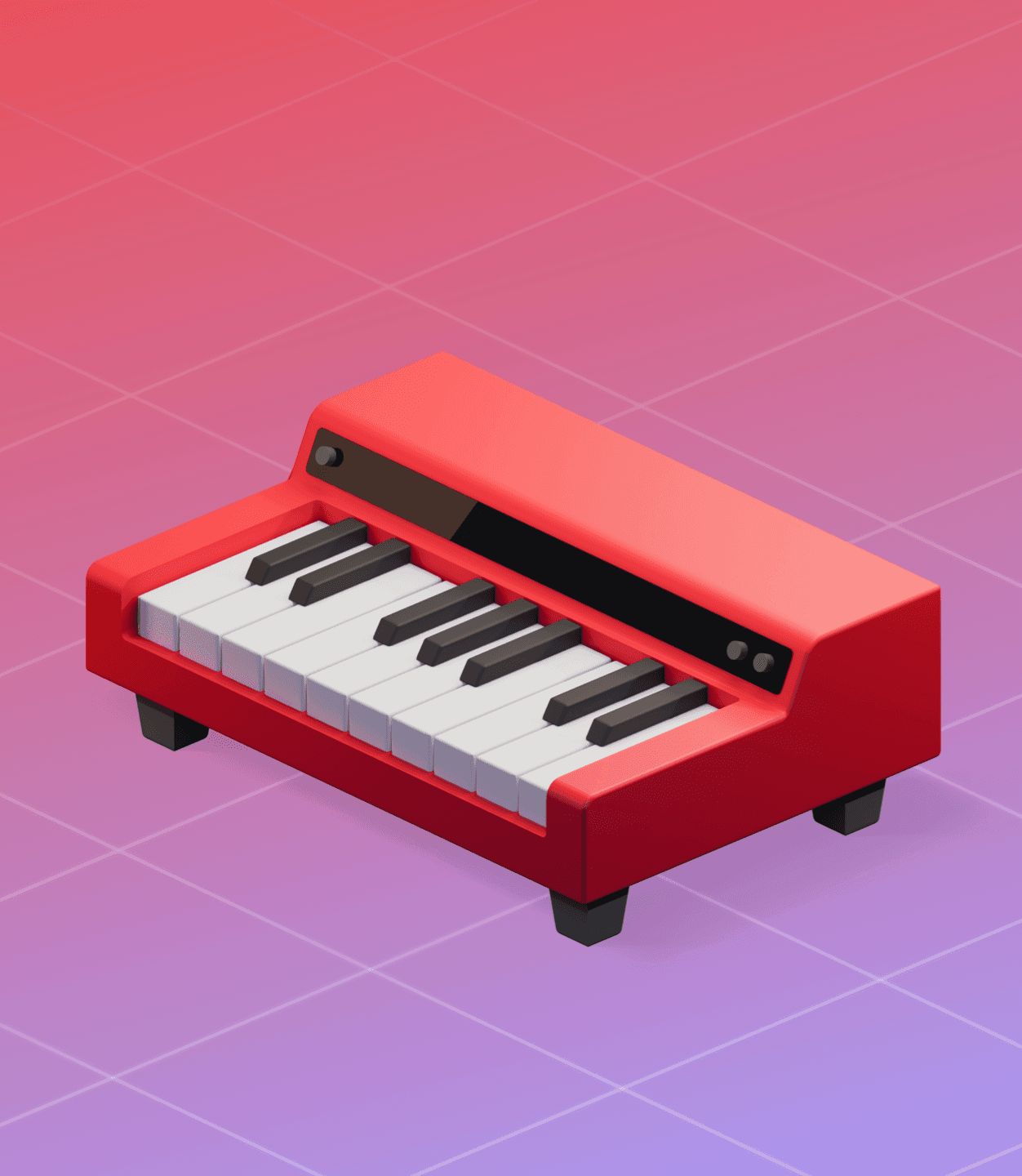
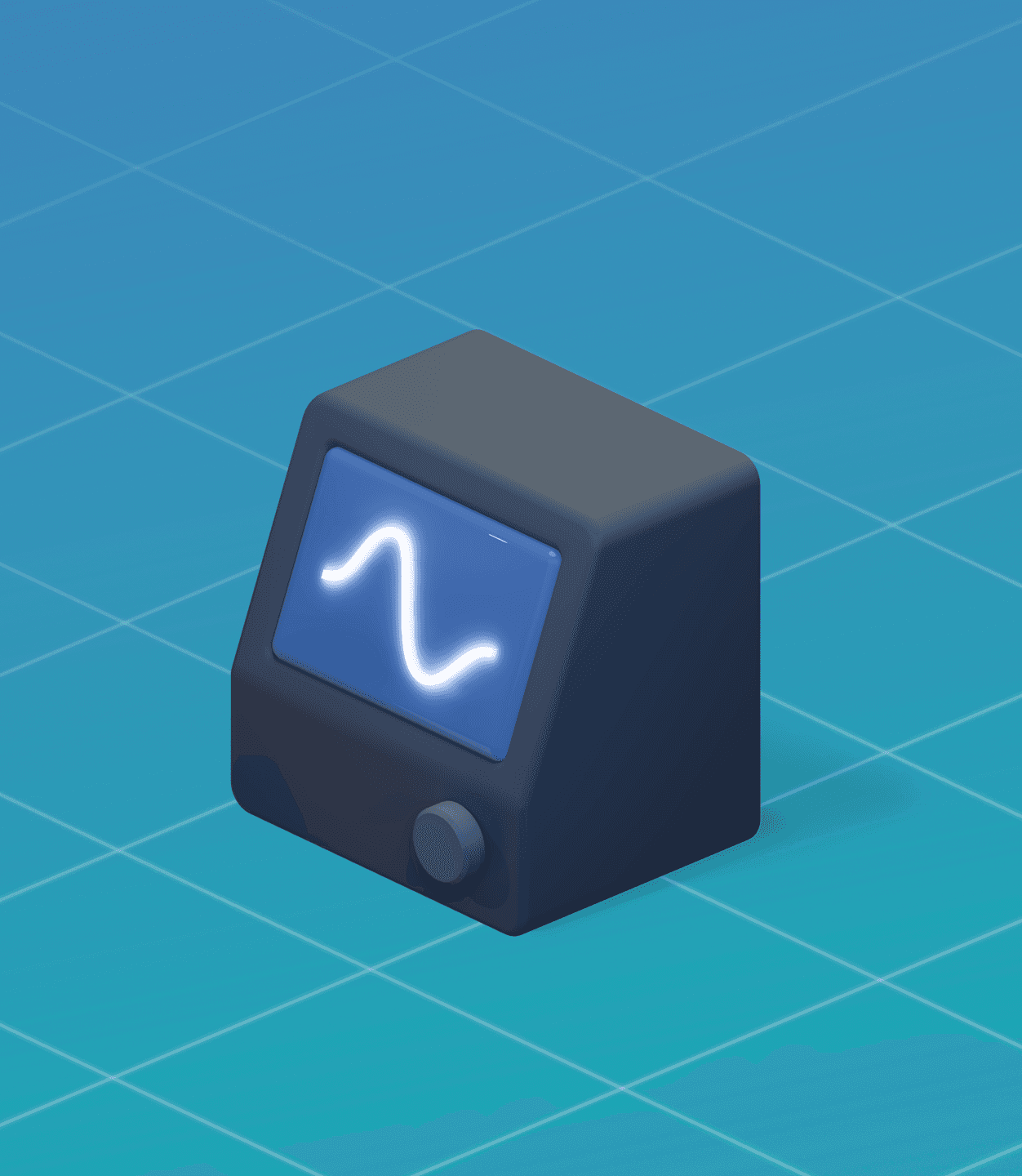
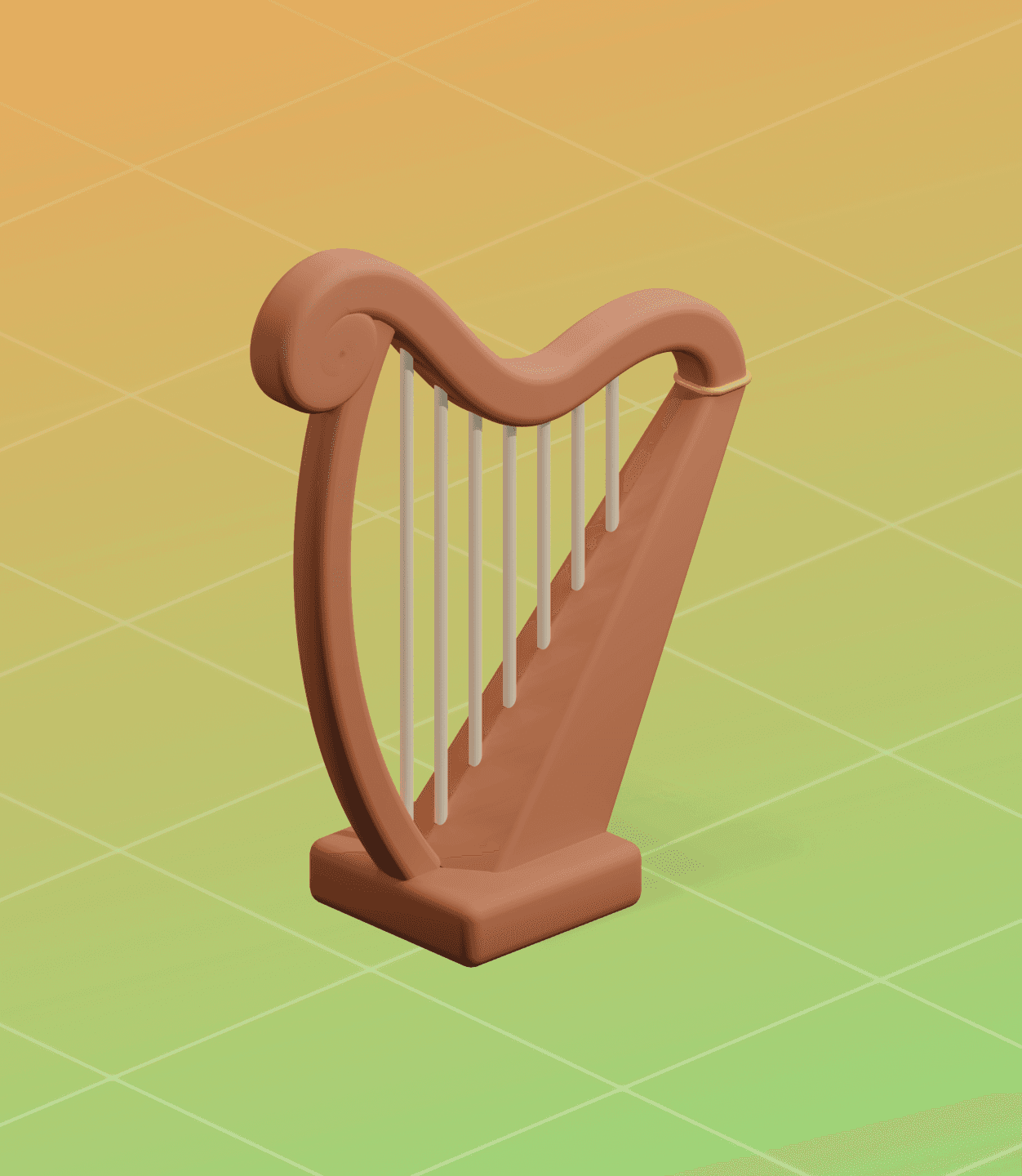
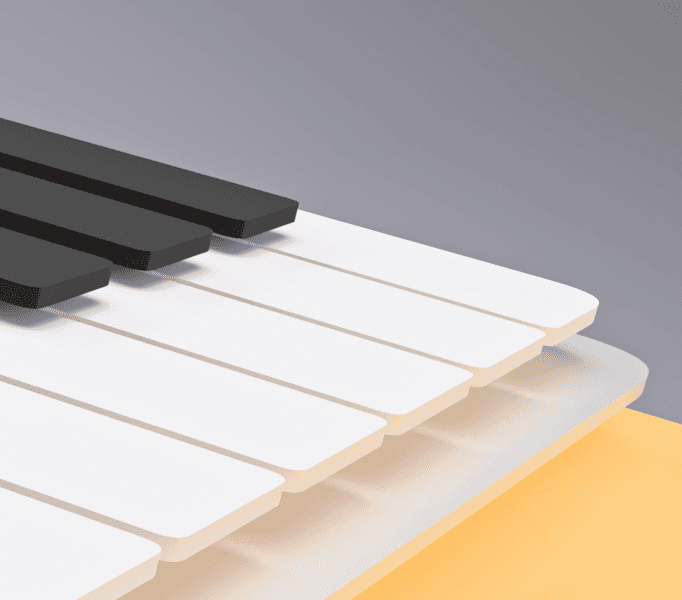
The sound patches that power the keyboard are either sampled from real instruments (like the upcoming Irish harp sound patch) or use bespoke synthesisers, custom-configured for Music Tools. Their icons therefore lean heavily on a photo-illustrative style that does justice to the amount of personality embodied in these sound patches.
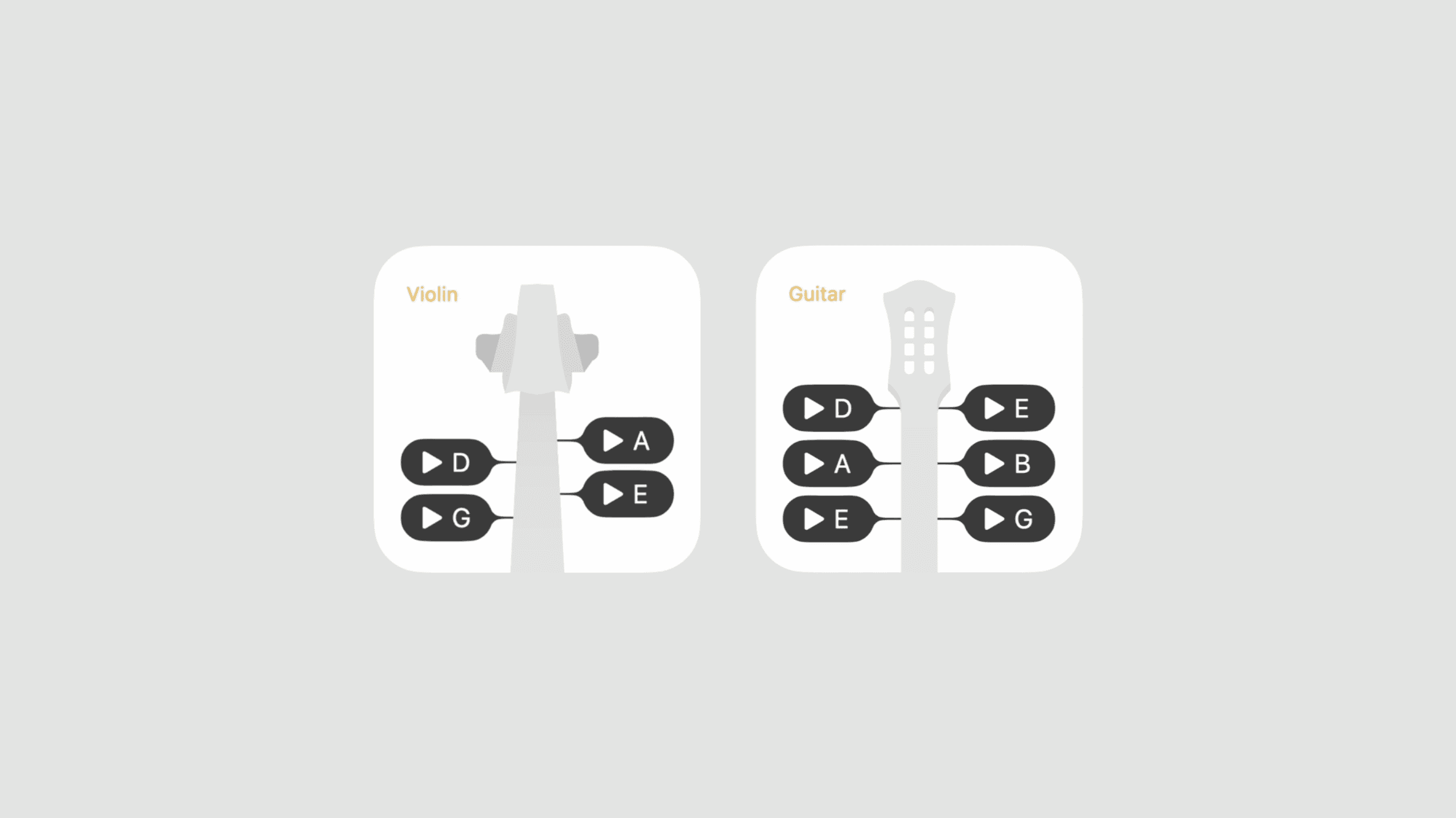
The pitch player tools mimic their real-world counterparts, but maintain a level of abstraction and adaptability that blends in on any Home Screen.
The tuner tool is built around the same design paradigm. At first glance, the tuner’s main component — the pitch display — is a simple, abstract pitch indicator. A horizontal stack of bold capsules indicates the Hertz value on a scale of -50 to +50 cents.
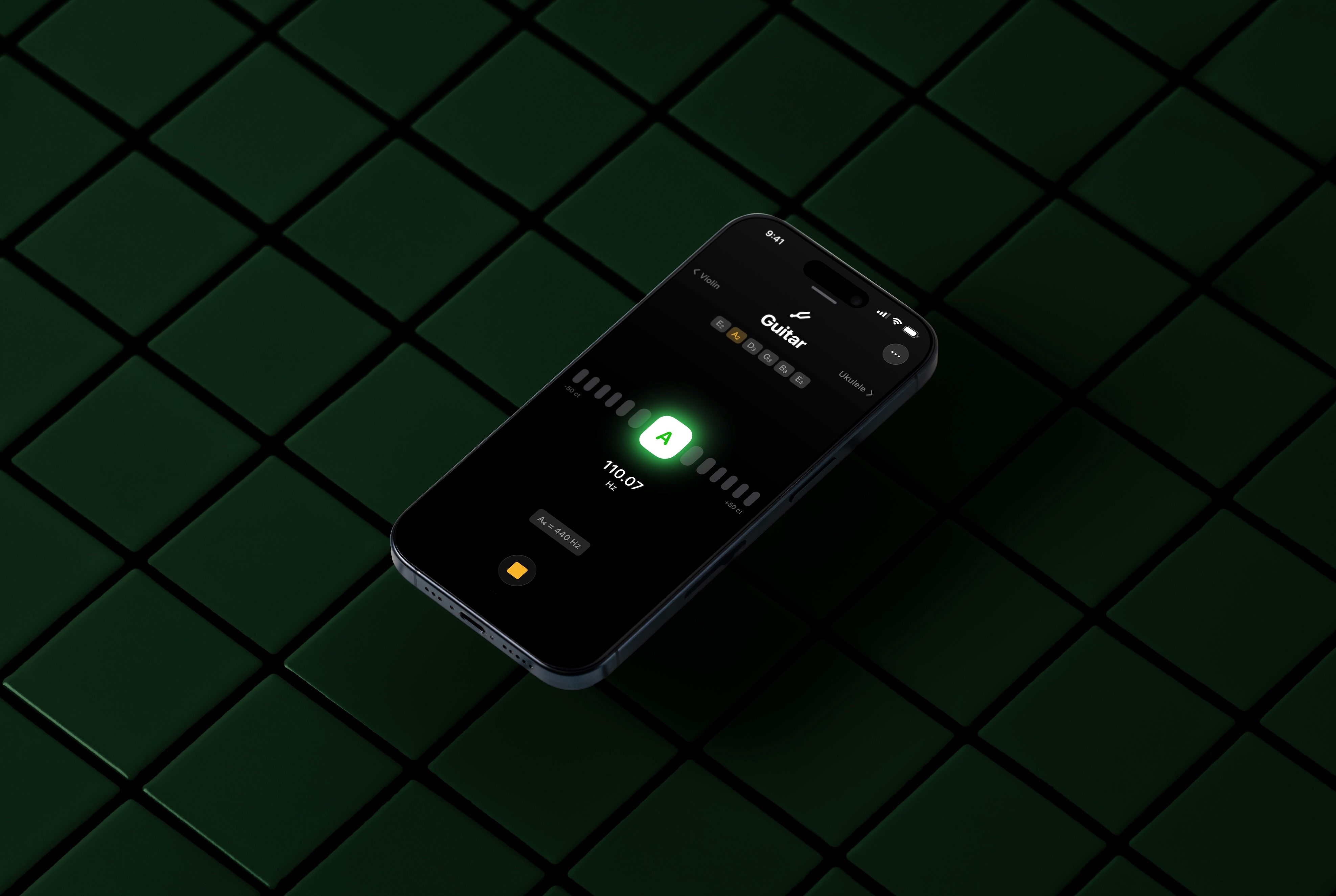
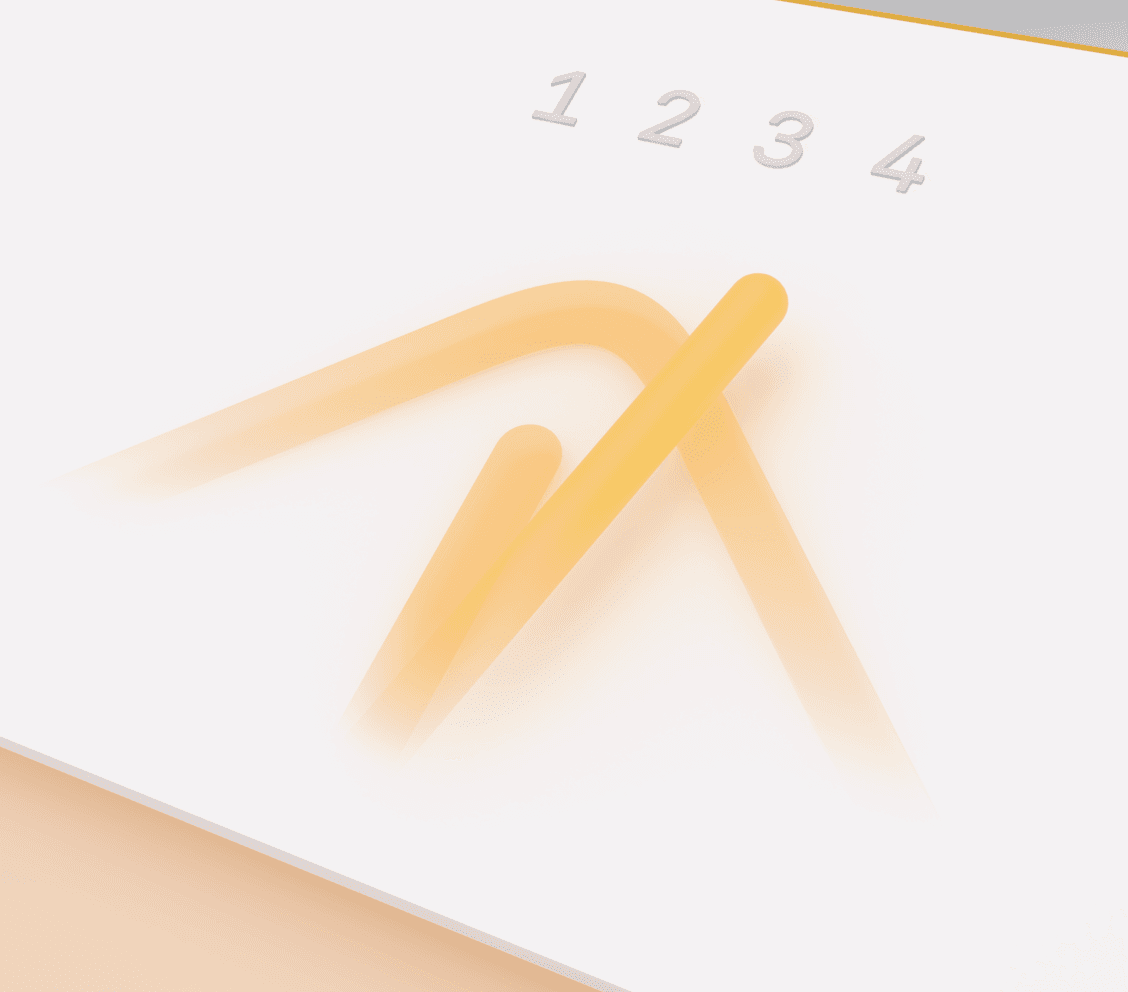
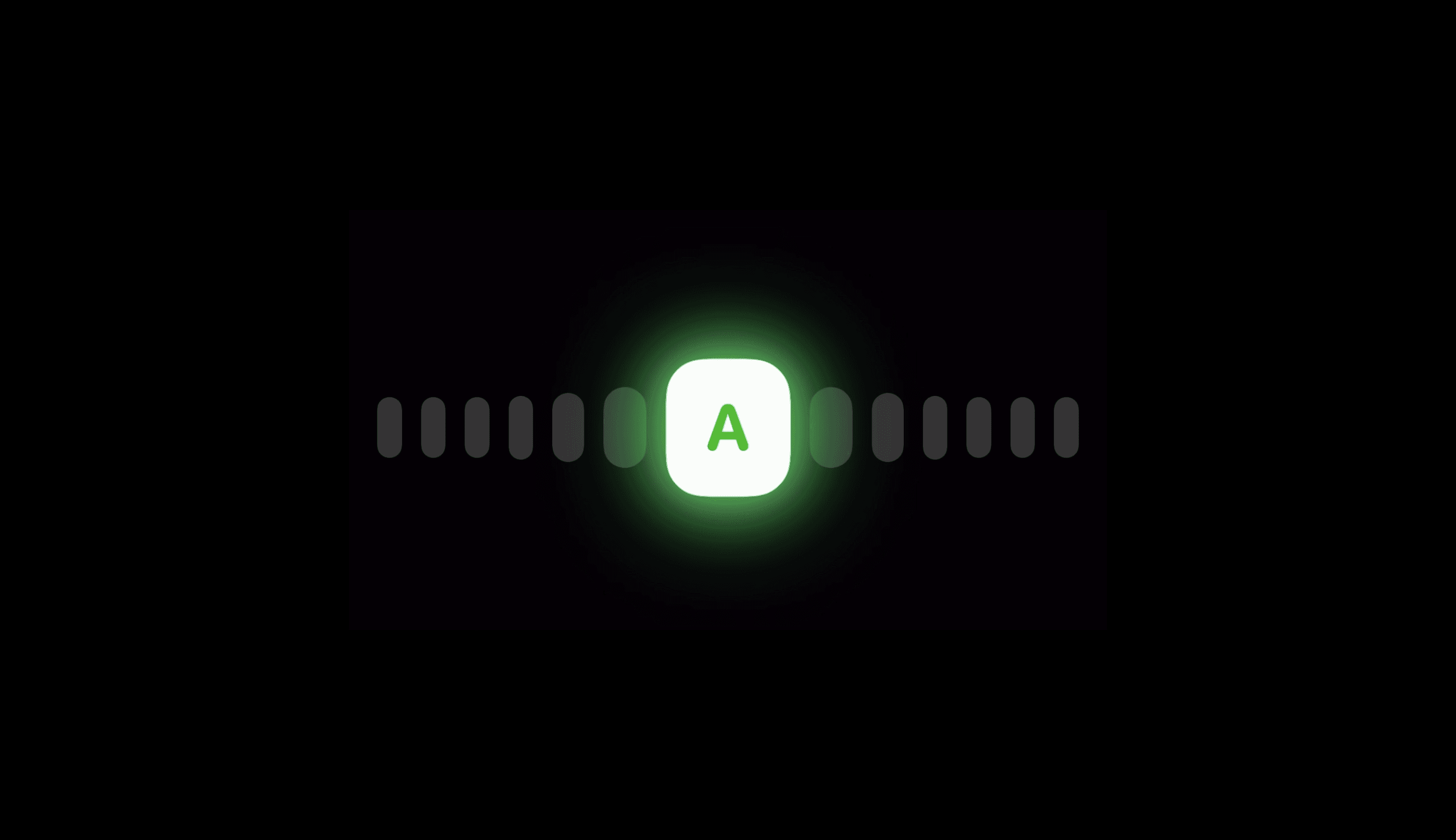
But once an instrumentalist starts the tuner, the capsule-shaped markers come to life. They begin to vibrate with the same physics that govern a plucked string or woodwind reed, making it feel like they resonate with the user’s instrument. This behaviour serves to add a second dimension to the tuner — amplitude — which correlates with the tuner’s accuracy. This intuitive metaphor mimicks the real world without masquerading as it.
Humility
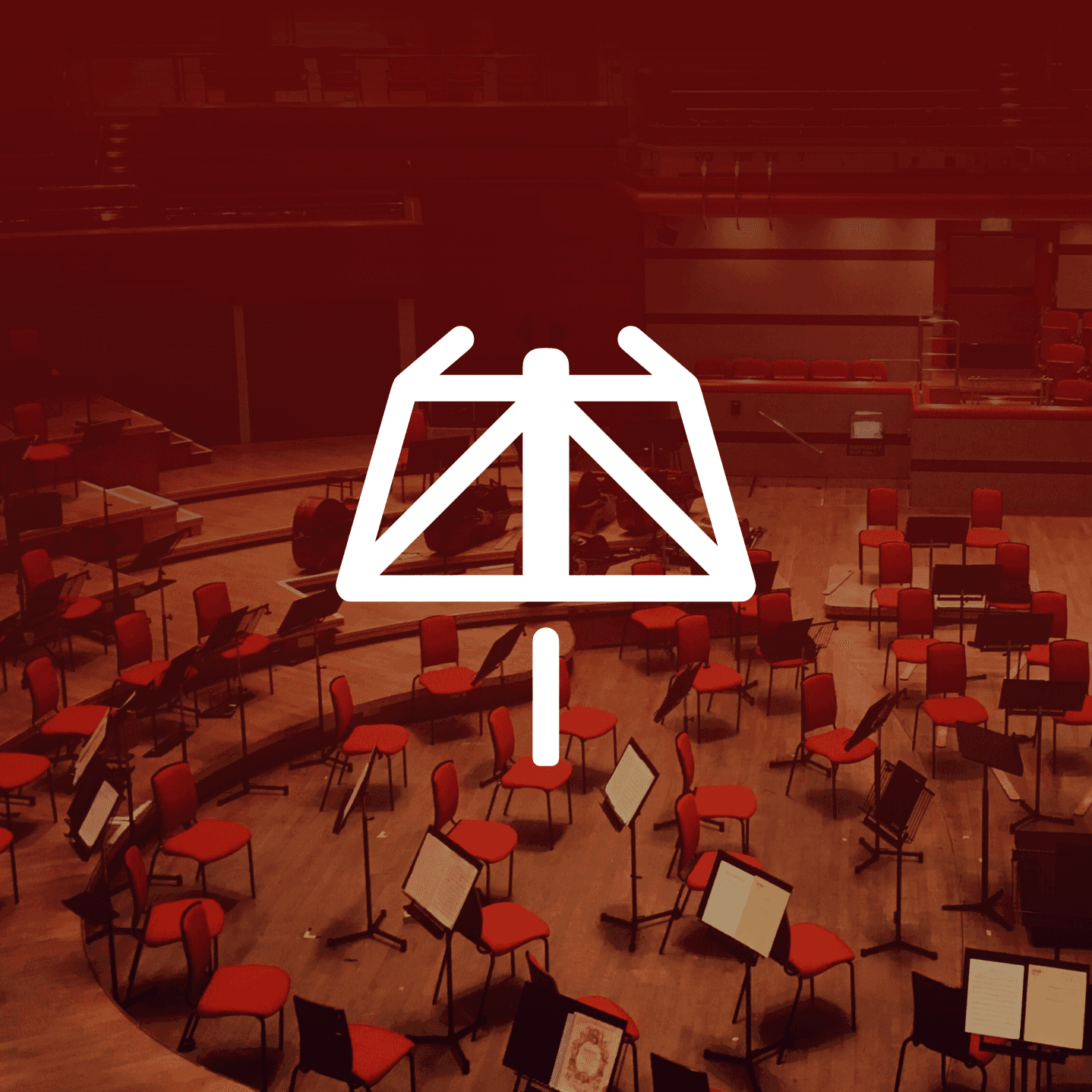
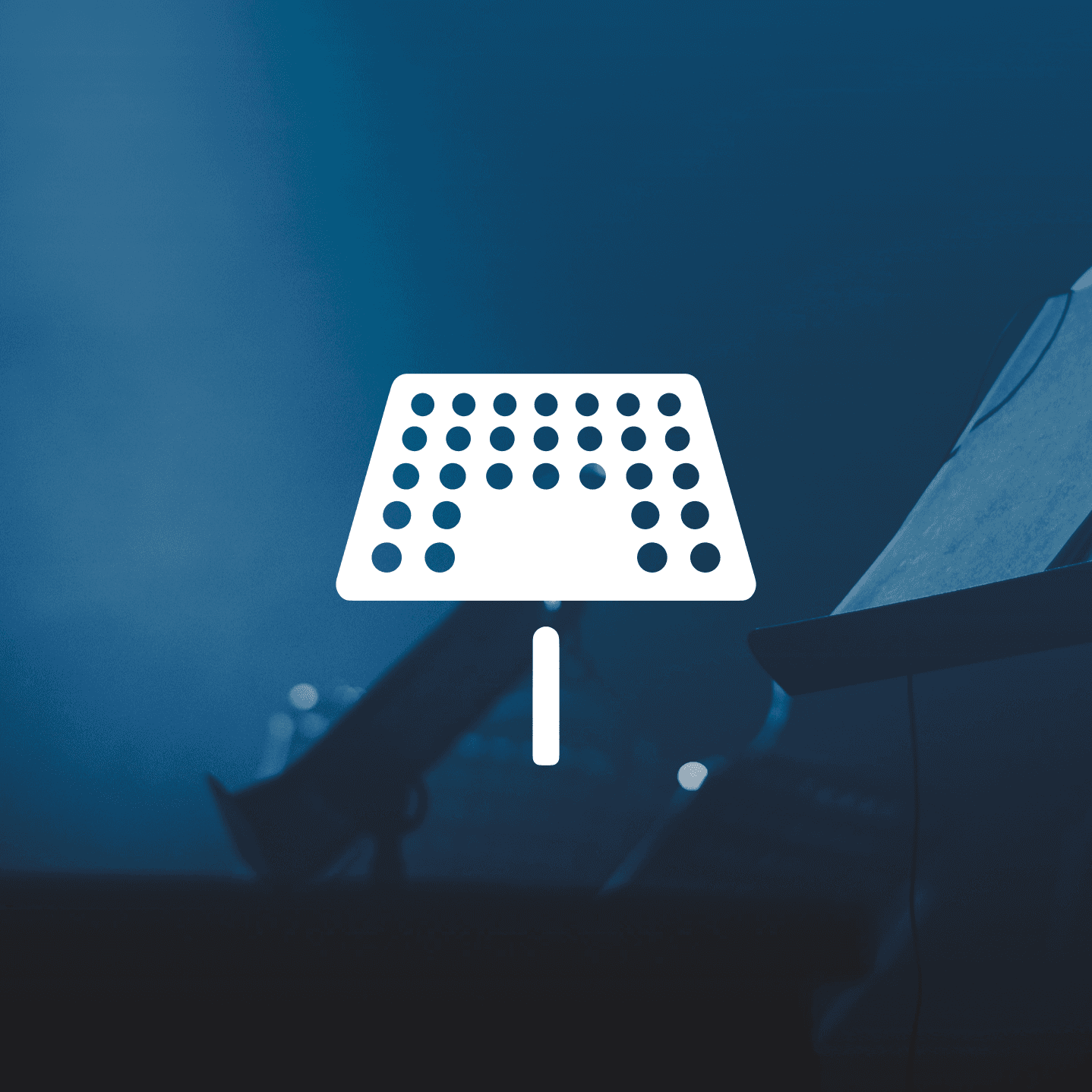
The app’s icon pays homage to the invisible servant of the music world: the music stand. By centring its brand around a ubiquitous utility, Music Tools emphasises, from the very first encouter, that it prioritises the artist’s workflow.

The ability to switch between an Orchestra and Band icon variant further allows the app to recede into the user’s personal aesthetic. Music Tools is designed to be a workbench, not a billboard.
Accessibility Through Symmetry
By mirroring the structure of Home Screen widgets within the app itself, Music Tools leverages the power of muscle memory.
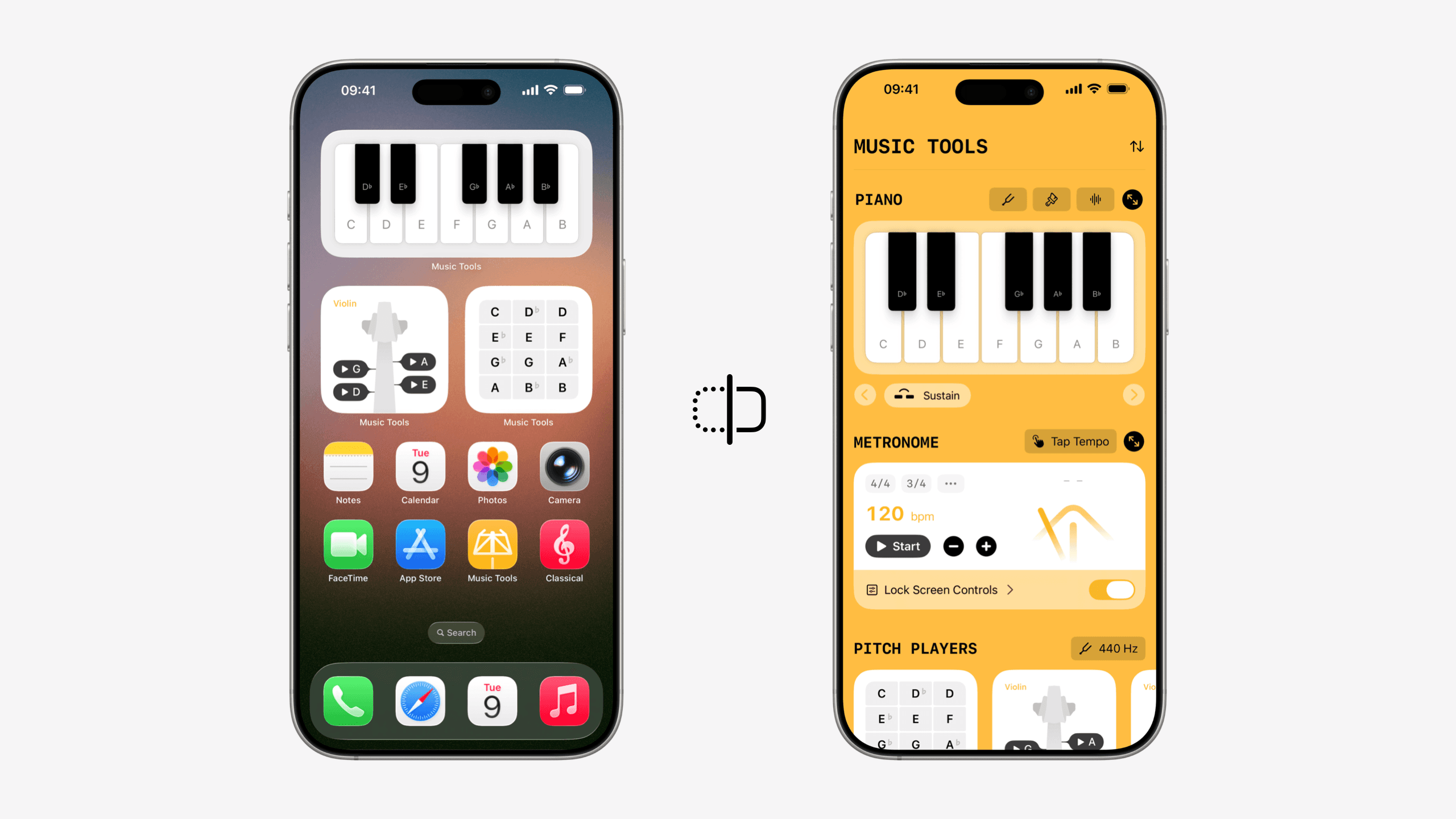
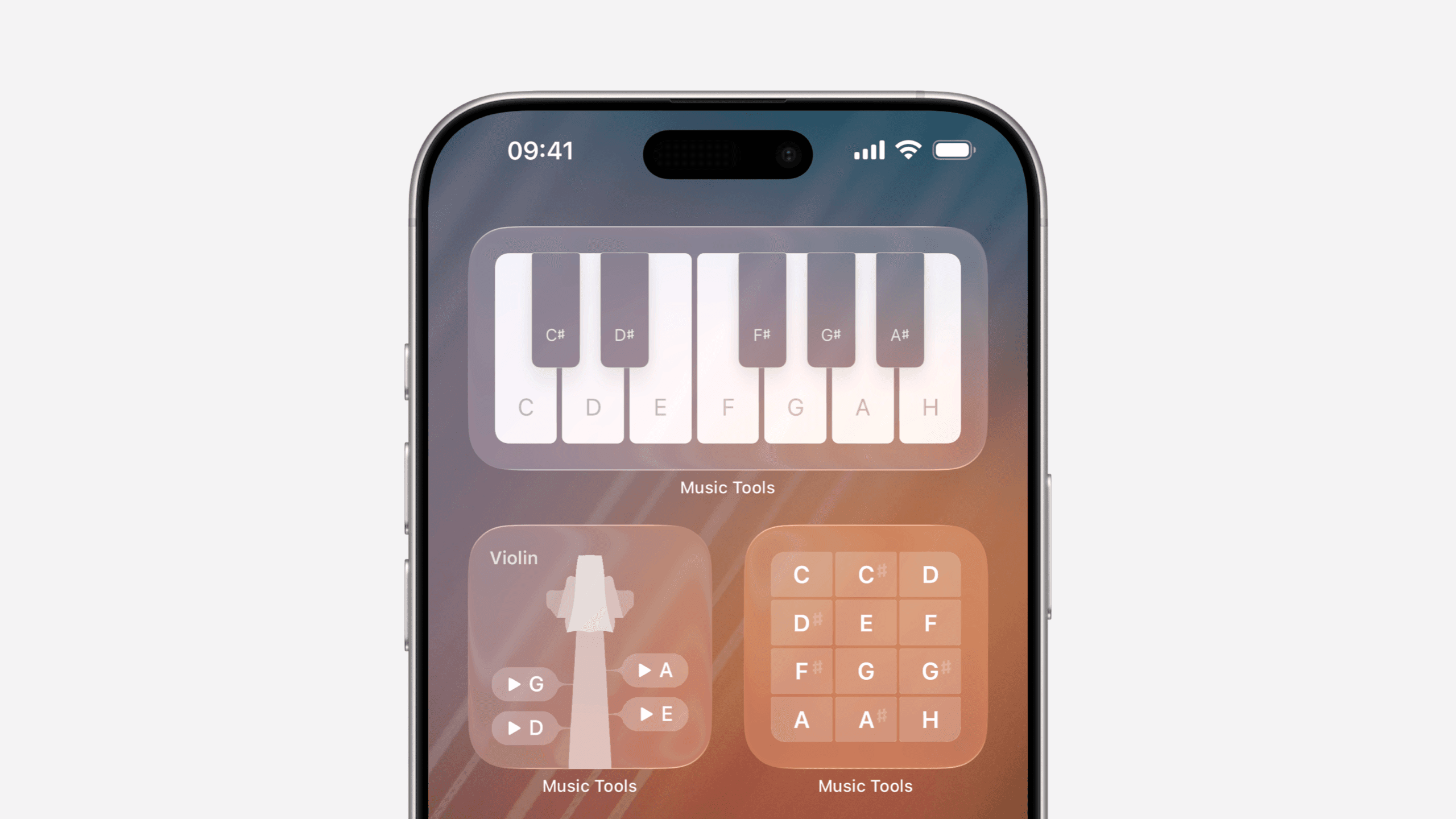
This visual symmetry removes the cognitive ‘hop’ between different layers of the iOS ecosystem, ensuring that the tools and flows feel identical, no matter if users are operating a glanceable widget or a using full-screen utility.
Structural Grammar
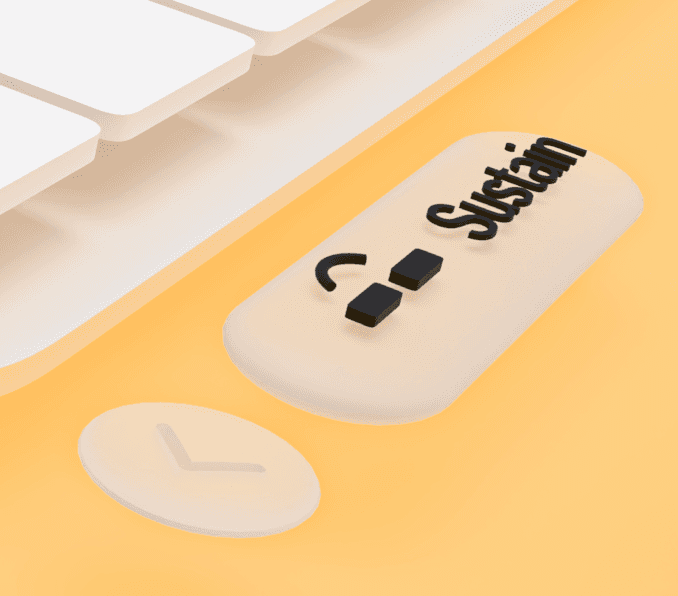
Each tool’s layout follows a strict hierarchy. At the centre sits the core container, which mirrors the Home Screen widgets. Additional controls are separated into two functional categories: configuration controls (such as changing the Piano’s tuning) and playing controls (such as enabling the sustain pedal).
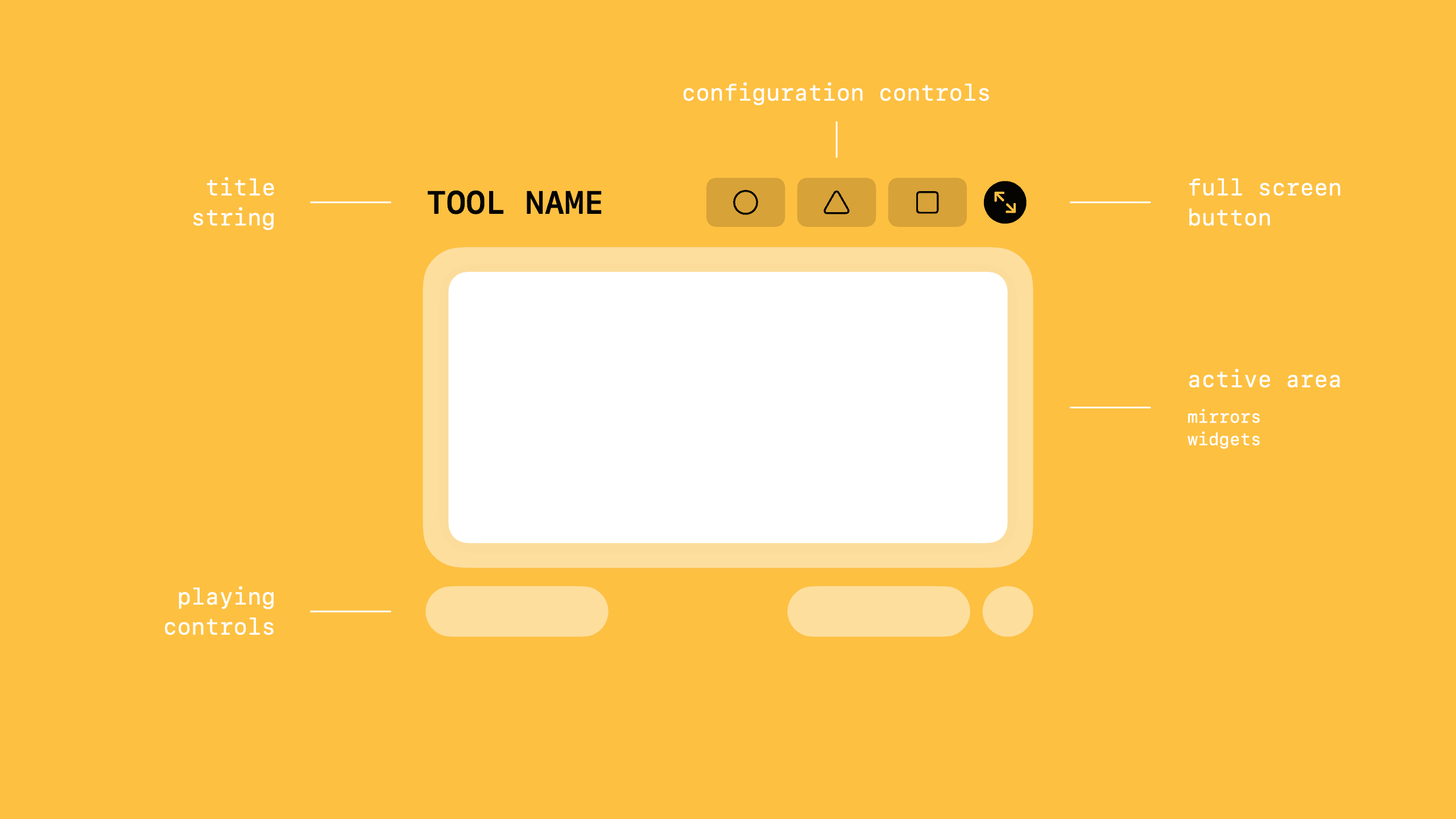
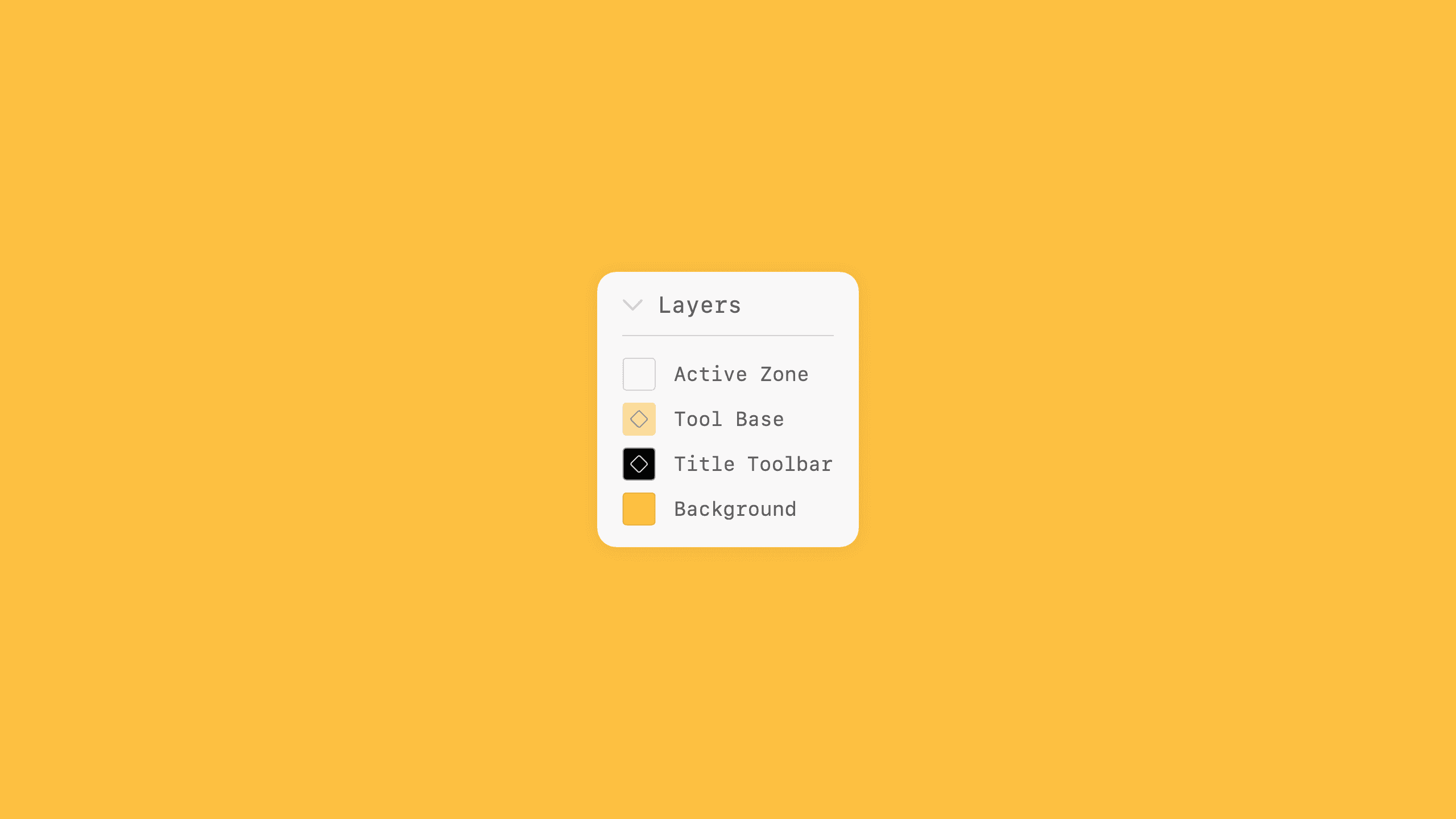
Playing controls sit at the bottom of the tool, but still form part of it: they share the same material treatment as the tool base. Placing them on the bottom edge means they are easily reachable.
Configuration controls form part of a title toolbar. They receive the same material treatment as the title text, and sit on a functional layer behind the tool. Their corner radius is chosen to harmonise with the radius of the typeface’s round characters, such as R, P, or O.
Longevity
Music Tools is inherently prepared for the transition to spatial computing. While a visionOS version of the app is not available yet, from the start, Music Tools’ interface has been considered for spatial contexts. Its utilities are designed with the future in mind; they can comfortably exist on the two-dimensional glass panes of modern phones, or become tactile, three-dimensional objects within a performer’s physical environment.